

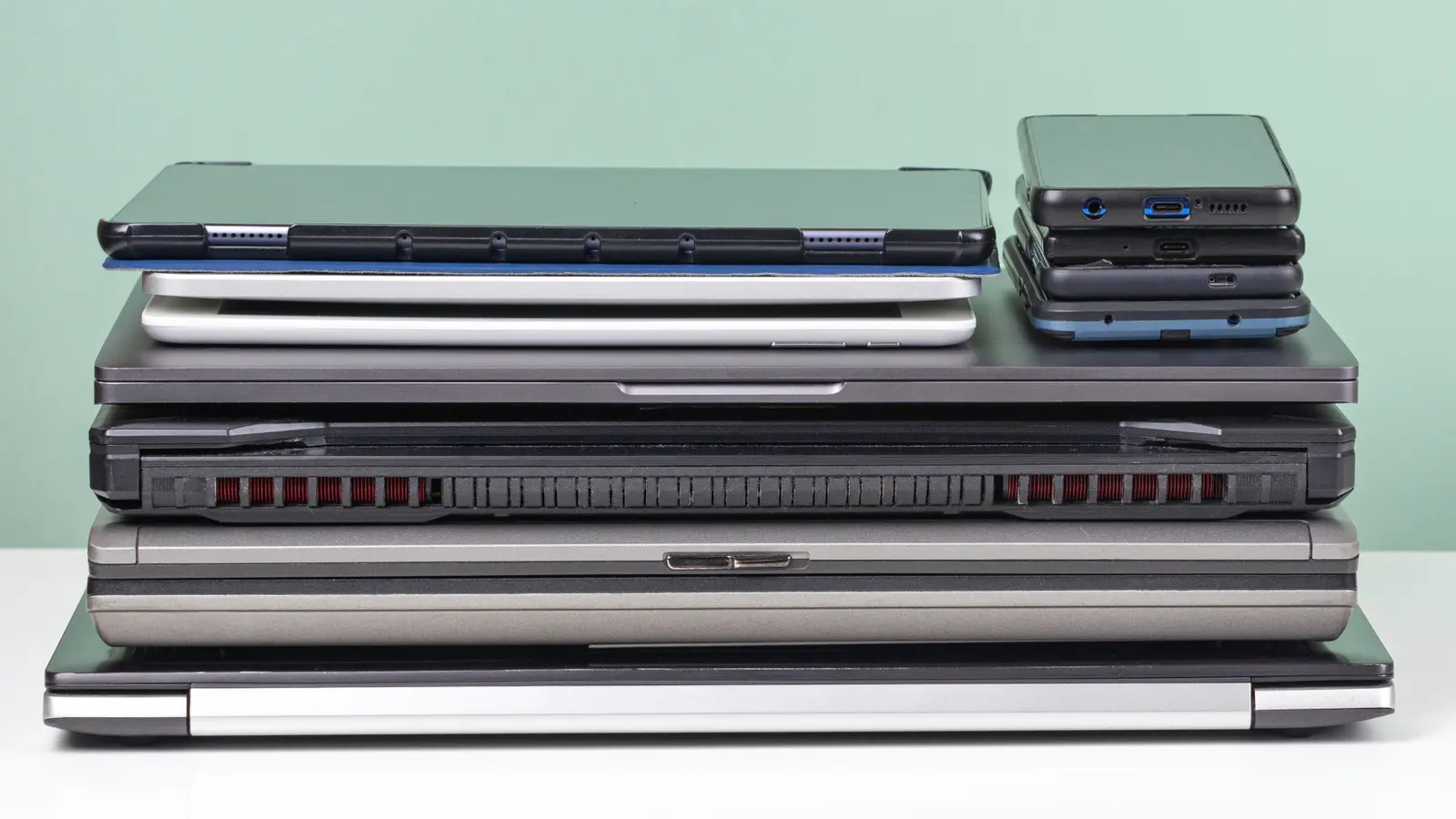
A report from the World Health Organization estimates that more than 53 million tonnes of electronic waste was produced in 2019, yet only about 17 percent of that was collected for recycling. When old electronics are thrown away, they can leach toxic materials into soil and water, harm informal recycling workers, and waste valuable metals and plastics. Many of the people handling e-waste in unregulated settings are women and children, two groups especially vulnerable to health risks from heavy metals and chemical exposure.
Fortunately, throwing devices in the trash is not the only option. Many older but still functional phones, tablets, laptops, monitors, and game consoles can be repurposed in ways that are practical, rewarding, and even money-saving. Repurposing also reduces demand for new devices, which conserves raw materials and energy. The following guide explores some of the best ways to give aging technology a second life, from simple bedroom upgrades to creative workshop projects.
Why Repurposing Beats Tossing
Electronic devices contain valuable materials such as copper, gold, silver, and rare earth elements. When these items are landfilled, those materials are lost, and the environmental cost of manufacturing replacements rises. Extending a device's useful life by even a year or two can significantly lower its overall carbon footprint. It also keeps potentially hazardous components out of the waste stream.
There is a financial angle as well. A device that still works can become a dedicated alarm clock, a kitchen recipe screen, or a child's first media player, eliminating the need to buy something new. Some old electronics can be sold or traded in, putting a little cash back in your pocket. Others can be donated to community groups, schools, or shelters that need basic technology. Even broken devices may have parts that can be harvested or recycled responsibly.
Alarm Clock
Using an old phone as a dedicated alarm clock is one of the simplest repurposing projects. Many people are reluctant to keep their primary smartphone in the bedroom because notifications, social media updates, and messages can disrupt sleep. Research suggests that constant connectivity makes it harder to wind down, and the average American checks their phone 144 times a day. A bedside phone that buzzes at 3 a.m. with a status update is not a restful companion.
An older phone can be wiped, stripped of most apps, and left on a nightstand as a single-purpose alarm. Disable Wi-Fi, mobile data, and notifications, then set the alarm and leave it plugged in. The main phone can charge in another room. This creates a healthier sleep environment while still providing a reliable way to wake up. Some devices also offer gentle wake-up sounds, gradual brightness, and sleep tracking that can be used without a cellular connection.
Dedicated Media Center
An old phone, tablet, laptop, or desktop computer can become a permanent media center connected to speakers or a television. If the device has local music and movies stored on it, no internet connection is required. A wired connection to speakers avoids the frustration of failed Bluetooth pairing and eliminates battery drain. If Wi-Fi is available, the device can also stream services such as Netflix, YouTube, and other platforms.
Software like Plex is especially useful for turning an older computer into a home media server. Plex runs on Mac, Linux, Windows, and other systems, and it can organize both local files and streaming content. Paired with a projector, an old laptop can power a budget-friendly home theater. In a car, an old phone or tablet loaded with favorite albums can serve as a dedicated music player through an auxiliary cable, reducing distractions from notifications. An ancient MP3 player rediscovered in a drawer can be a delightful time capsule, complete with playlists that reveal long-forgotten musical tastes.
Chat Device or Replacement Remote Control
Streaming live events on a large screen often comes with a problem: the chat window is tiny, and typing with a game controller is awkward. An older phone or tablet can act as a dedicated chat screen while the main event plays on the TV. Screen sharing or casting features let users send video to the larger display while keeping the chat active on the smaller device. This setup is ideal for watching tournaments, live streams, and community events.
Old devices can also replace missing or broken TV remotes. Many remote apps offer more features than the original hardware, including keyboard input, voice search, and universal control. While some people prefer a physical universal remote, repurposing an old phone is often more environmentally and financially responsible. It keeps a functional device out of the drawer and saves the cost of a new remote.
Extra Screens or Monitors
When a living room TV or computer monitor is upgraded, the old display often has years of life left. It can become a second screen for an office setup, creating an ultrawide workspace for documents, spreadsheets, and research. A monitor can also be rotated vertically, which is excellent for writing, coding, or reading long articles. A monitor dock or adapter can help the new computer recognize the older display quickly.
Another option is to install the extra screen in an unexpected place. A garage monitor can show sports or how-to videos while working on a project. A home gym screen can play workout routines and motivational content. A small screen in a bathroom or kitchen can display news, weather, recipes, or calendars. Giving the monitor away is always an option, but using it can add convenience and even a touch of luxury to everyday spaces.
Smart Home Hub
Smart home devices are becoming more common, and many households have multiple gadgets that need control. An older tablet or phone mounted on a wall or placed on a shelf can become a central hub for lights, cameras, thermostats, and appliances. With a power outlet nearby, the device can stay charged and always ready. Running a smart assistant such as Google Home or Amazon Alexa on one central device can reduce conflicts between multiple phones and accounts.
A mounted hub is especially useful in high-traffic areas or in a basement remodel. Instead of running upstairs to check a doorbell camera or adjust the temperature, users can control everything from one screen. The hub can show laundry alerts, security feeds, lighting scenes, and energy usage. It also keeps personal phones free for calls, messages, and other tasks.
Digital Photo Frame
Most people have hundreds or thousands of photos on their phones, but few take the time to enjoy them. An old phone or tablet can become a digital photo frame that cycles through favorite memories. A wall mount or stand can help the device blend in with other decor. Some devices have built-in screensaver features that pull images from a cloud folder or local storage. Others can use apps designed for digital frames, such as Fotoo or LiveFrame, to create slideshows automatically.
This project is relatively easy and can be customized with albums for holidays, family, travel, or pets. It turns a forgotten device into a daily source of joy. A larger tablet works especially well because the screen is big enough to see from across a room. With a little setup, the frame can update automatically when new photos are added to a shared folder.
Dedicated Webcam
Video calls are a regular part of modern life, but not everyone has a dedicated office. An older tablet or phone on a stand can become a permanent webcam station in a quiet corner. This setup provides privacy, a consistent background, and better lighting than a hurried call from a bed or couch. Installing a video conferencing app is usually all that is needed.
A dedicated webcam device is also useful in the kitchen. Following a family recipe or chatting with a relative while cooking is less stressful when a new phone is not at risk of sauce splatters. If the old device still has a web browser, it can display recipes, timers, and shopping lists. The kitchen is one of the most dangerous rooms for expensive electronics, so using older hardware there makes practical sense.
Recycling
When a device truly cannot be repurposed, recycling is the most responsible option. Before disposal, back up important data such as photos, documents, game saves, and account information. Equally important is deleting personal data from the device. Most phones, tablets, laptops, and consoles have a factory reset option in the settings menu. Because many people store payment information on their devices, a thorough wipe is essential.
Recycling has become more convenient. Some large electronics retailers offer in-store drop-off for small devices and haul-away services for appliances and televisions when replacements are purchased. Gaming retailers often buy back old consoles and games. Local recycling centers, municipal programs, and manufacturer take-back schemes can also accept electronics. Checking ahead for accepted items and data security policies is wise.
Get Creative
Not every old gadget needs to remain a gadget. Creative reuse can turn outdated technology into art, furniture, or storage. An old CRT television can become a fish tank or a retro coffee table. Phone cases can serve as soap dishes or drawer organizers. Headphone wires and keyboard keys can be made into jewelry, coasters, or decorative pieces. These projects keep materials in use and add personality to a home.
Hobbyists have also given new life to broken devices by installing modern components inside retro shells. A single-board computer placed inside an old game console can create a nostalgic emulation station. Such projects require patience and technical skill, but they show how far repurposing can go. Even devices that no longer power on can become parts of art, furniture, or learning projects, proving that the end of a gadget's original life does not have to be the end of its story.
Source: SlashGear News