

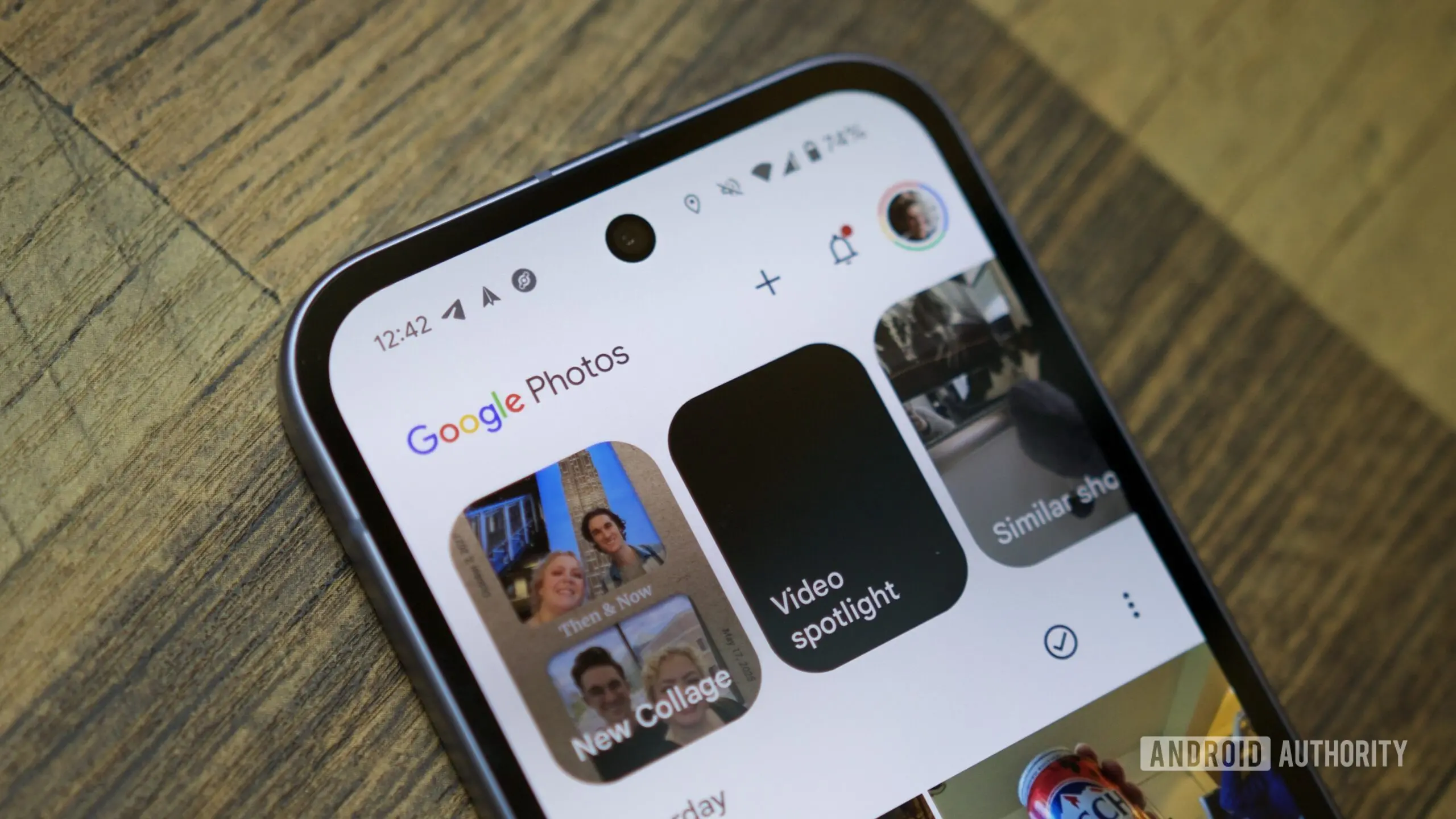
Google Photos has rolled out a significant quality-of-life update, adding a floating camera button that allows users to take photos directly within the app's AI editing tools. Announced on July 29, 2026, the feature targets users who frequently use generative AI features such as Photo Remix and Photo to Video. Instead of switching between the camera app and Google Photos, users can now capture a new image on the spot, which then serves as the input for their AI-powered edits.
How the new camera button works
The floating action button appears within the photo picker screen of tools located in the “Create” tab. When users tap the button, the app launches a camera interface embedded within Google Photos, allowing them to take a picture instantly. Once captured, the photo is immediately selectable for use in AI edits. Importantly, Google confirmed that these photos are not ephemeral; they are saved and backed up in the user's Photos library. The company recommends deleting the original after use if it was only taken as a temporary input.
This update primarily benefits users working with generative AI tools like Photo Remix, which reimagines images by applying artistic or stylistic transformations, and Photo to Video, which animates still photos. The floating camera streamlines the workflow, reducing friction for quick creative experiments. For example, a user might take a selfie and instantly turn it into a stylized avatar or a short animated clip without leaving the app.
Expanding the AI editing arsenal
Google Photos has been steadily integrating AI since the introduction of features like Magic Eraser, Photo Unblur, and Portrait Light. The new camera button is part of a broader push to make AI editing more accessible and immediate. According to Google, the feature is designed for users who want to “get to the magic” of AI edits and need a quick or temporary input. This suggests that the company recognizes the growing demand for on-the-fly creativity, especially in social media and content creation.
Background: Google's AI photo tools have evolved significantly since 2021. Magic Eraser, originally exclusive to Pixel phones, later expanded to all Google One subscribers. Photo Unblur uses machine learning to sharpen blurred images, while Portrait Light adjusts lighting after capture. The recent addition of generative AI tools like Photo Remix and Photo to Video represents a leap from corrective to creative editing. These tools leverage large models trained on millions of images to generate novel visual content.
Competitors have also embraced similar features. Adobe's Photoshop and Lightroom offer generative fill and neural filters, though they require separate subscriptions and often involve complex interfaces. Apple's iOS 18 introduced cleanup tools and spatial photo editing, but the integration of a camera button within a photo management app is relatively unique to Google Photos. This differentiation could help Google attract users who value speed and simplicity in their editing pipeline.
Implications for users and privacy
The convenience of the floating camera button comes with considerations. Since photos taken via the button are automatically backed up, users need to be mindful of storage bloat, especially if they take many temporary images. Google Photos has shifted to a paid storage model after June 1, 2021, so heavy usage could consume Google One quota. Additionally, privacy-conscious users may worry about unintended uploads, although the standard Photos privacy controls apply—users can delete or manage backups at any time.
From a technical perspective, the camera button likely uses the device's camera hardware via Android's camera intent, but with modifications to keep the experience inside Google Photos. This means users still benefit from the phone's native camera capabilities, including autofocus, HDR, and portrait modes. The feature is rolling out now and appears to be widely available through an app update from the Play Store.
Historical context and future directions
Google Photos has over 4 billion users worldwide as of 2025, making it one of the most popular photo management platforms. The introduction of generative AI tools aligns with Google's broader Gemini AI strategy, which aims to embed AI across all its products. The camera button is a small but meaningful addition that signals Google's intent to make AI editing as seamless as taking a photo.
Experts predict that future updates could include more integration with other Google services. For instance, users might one day take a photo and immediately apply an AI filter that generates a matching background or removes unwanted objects on the fly. The floating camera button lays the groundwork for such real-time editing, reducing the steps between capturing and enhancing an image.
In the competitive landscape, Google Photos faces pressure from Apple Photos, Amazon Photos, and dedicated editing apps like Snapseed and VSCO. However, its AI features have generally received positive reviews for being intuitive and effective. The addition of the camera button is likely to appeal to power users who experiment with multiple edits, as well as casual users who want to quickly generate creative content.
Early adopters have praised the feature for saving time. A Reddit user commented, “No more switching apps just to take a reference photo—it’s a small thing but makes the workflow much smoother.” Another noted that the auto-backup feature is double-edged, as it clutters the library but also ensures no accidental data loss.
Google has not announced whether the camera button will be added to other AI tools in the future, such as Magic Eraser or Photo Unblur. However, given the positive reception, it seems likely that the company will expand the feature to cover more editing workflows. The rollout today covers Photo Remix and Photo to Video, but additional tools could follow in subsequent updates.
Developers also have an opportunity: third-party apps that integrate with Google Photos could potentially leverage the same floating button API, though Google has not published any developer documentation yet. This could foster a new ecosystem of quick-capture editing tools.
In summary, the new floating camera button in Google Photos represents a thoughtful enhancement for users engaged in AI editing. It reduces friction, saves time, and aligns with Google's goal of making advanced photo editing accessible to everyone. As generative AI continues to evolve, such convenience features will become increasingly important for mainstream adoption.
The update is now rolling out via the Google Play Store. Users should ensure they have the latest version of Google Photos to see the floating camera button in the Create tab.
Source: Android Authority News