

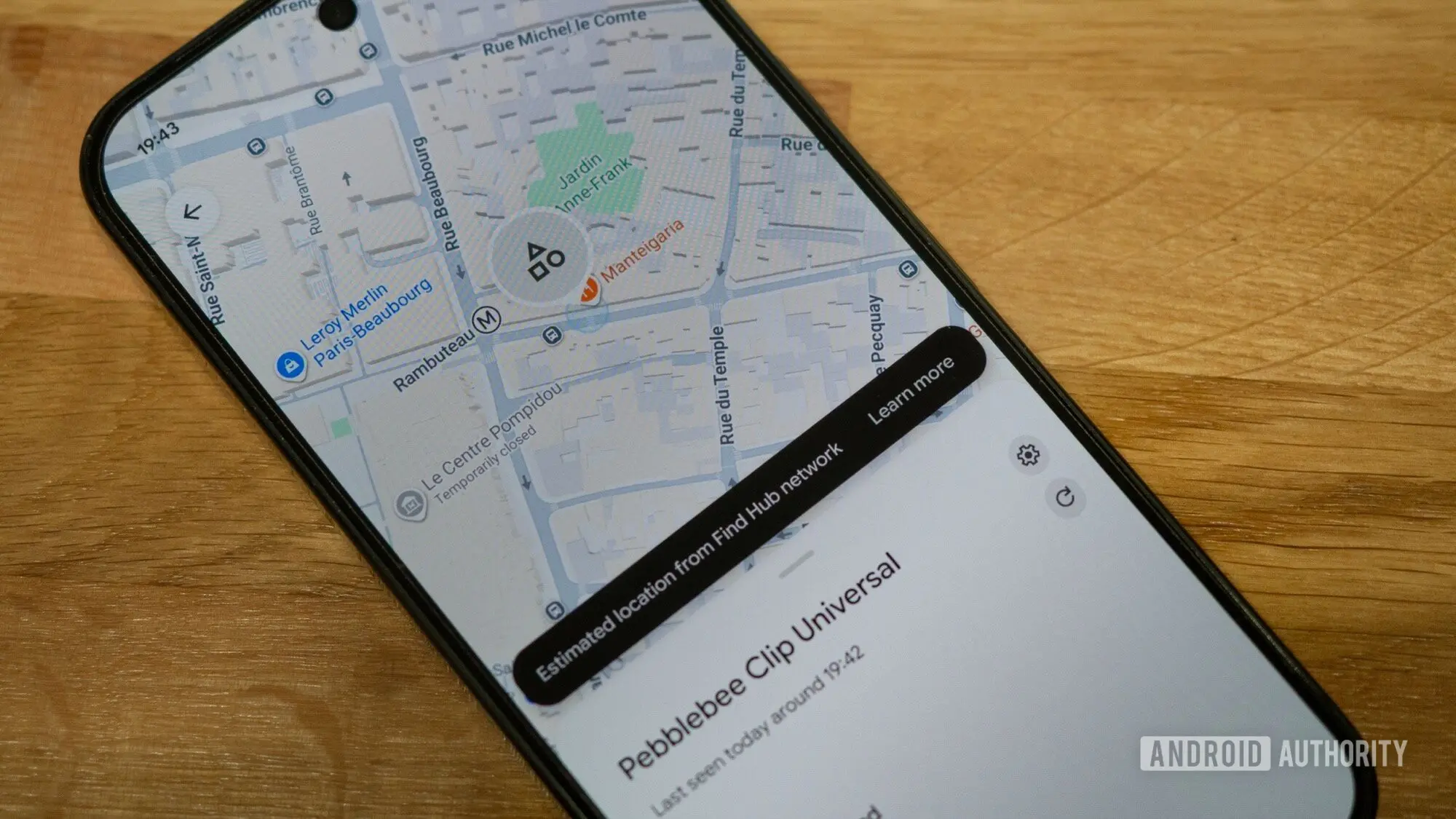
Google continues to enhance its Find Hub service with a much-anticipated feature: the ability to remove devices from the app. Previously, once a device was added to Find Hub, it could not be deleted, leaving users with cluttered lists of old phones, headphones, and other gadgets. The new 'Remove from Find Hub' option, spotted by a Redditor, allows users to clean up their device roster, eliminating entries for items that have been sold, lost, or are no longer in use.
Background: The Evolution of Find Hub
Find Hub is Google's comprehensive device tracking platform, launched in 2024 as a successor to earlier Find My Device features. It aggregates location data from all Google-connected devices, including Android phones, tablets, Wear OS smartwatches, earbuds, and even third-party items using Google's fast pair or tracker tags. The service competes directly with Apple's Find My network and Samsung's SmartThings Find. Since its launch, Google has incrementally added features such as location notifications, offline finding, and now device removal. The lack of a removal option was one of the top user complaints on forums and Reddit.
Why This Feature Matters
For users who frequently upgrade or sell their devices, the inability to remove old entries created unnecessary clutter. A Pixel owner might still see a Pixel 6a listed years after switching to a newer model. Duplicate entries, often caused by factory resets or account syncing issues, further exacerbated the problem. Without the removal option, users had no way to distinguish between active and obsolete devices. This update streamlines the user interface and improves the accuracy of the device list, ensuring that only relevant items appear.
How the Feature Works
The 'Remove from Find Hub' option appears when a user selects a specific device within the app. Tapping it permanently deletes that device from the tracking list. Note that this action does not affect the device's connection to the user's Google account—only its visibility in Find Hub. After removal, the device will no longer appear on the map or in the device list. If the device is still powered on and connected to the internet, it may reappear if it is manually added again, but for most purposes, it is gone. Early adopters report that the process is instantaneous and works for all device types, including phones, watches, and earbuds.
User Reactions
The rollout has generated significant excitement. One Reddit user claimed they immediately stopped what they were doing to delete a pair of headphones they sold three years ago. Another user stated they ran as fast as they could to delete their old Pixel Watch 3 and Pixel Buds Pro, though they noted that their Pixel 4a could not be removed—likely because it was still logged into the account. A third user declared this 'the best update Google has EVER released,' highlighting the pent-up demand. While the comment may be hyperbolic, it underscores the importance of user control over device management.
Implications for Device Security
Beyond convenience, the removal feature has security implications. If a user sells a device and does not remove it from Find Hub, the new owner's location could theoretically be tracked if the device remains logged into the original Google account. While Google already discourages this by requiring account sign-in for tracking, the removal option provides an extra layer of protection. It ensures that old devices are disassociated from the user's profile, preventing potential privacy leaks. This aligns with Google's broader efforts to enhance user privacy, such as automatic account logouts and device reset reminders.
Comparison with Competing Services
Apple's Find My network has long allowed users to remove devices, including AirTags and iPhones, from the list. Samsung's SmartThings Find similarly offers a 'remove device' option. Google's delay in adding this feature put it at a disadvantage, especially as the Find Hub network expanded to include third-party trackers. With this update, Google closes the feature gap and positions Find Hub as a more mature platform. The removal feature also makes Find Hub more appealing to power users who manage multiple devices, such as IT administrators or families sharing devices.
Technical Details and Rollout
The feature is rolling out via a server-side update to the Find Hub Android app, version 1.3. It does not require a manual app update; users simply need to open the app and check their device list. Google has not announced an iOS or web version yet, but the feature is expected to appear on the web interface soon. The removal option is visible on all device cards, but devices that are currently offline may show a warning before deletion. Google's support documentation has been updated to include instructions for removing devices, indicating the feature is officially supported.
Future Possibilities
With the device removal feature live, users are now asking for additional enhancements. Common requests include bulk removal, sorting and filtering of devices, and the ability to rename devices directly from Find Hub. Some users want to see historical location data for removed devices, though privacy concerns make that unlikely. Google may also integrate device removal with its account management tools, allowing users to unlink devices from their entire account in one step. The company's continued investment in Find Hub suggests that more features are on the horizon.
As the Find Hub ecosystem grows—now supporting over a billion devices globally—small quality-of-life improvements like this one have a significant impact on user satisfaction. The removal feature is a reminder that even the smallest changes can delight users when they solve a persistent pain point. For now, users can finally say goodbye to their old devices, cleaning up their digital footprint one tap at a time.
Source: Android Authority News