

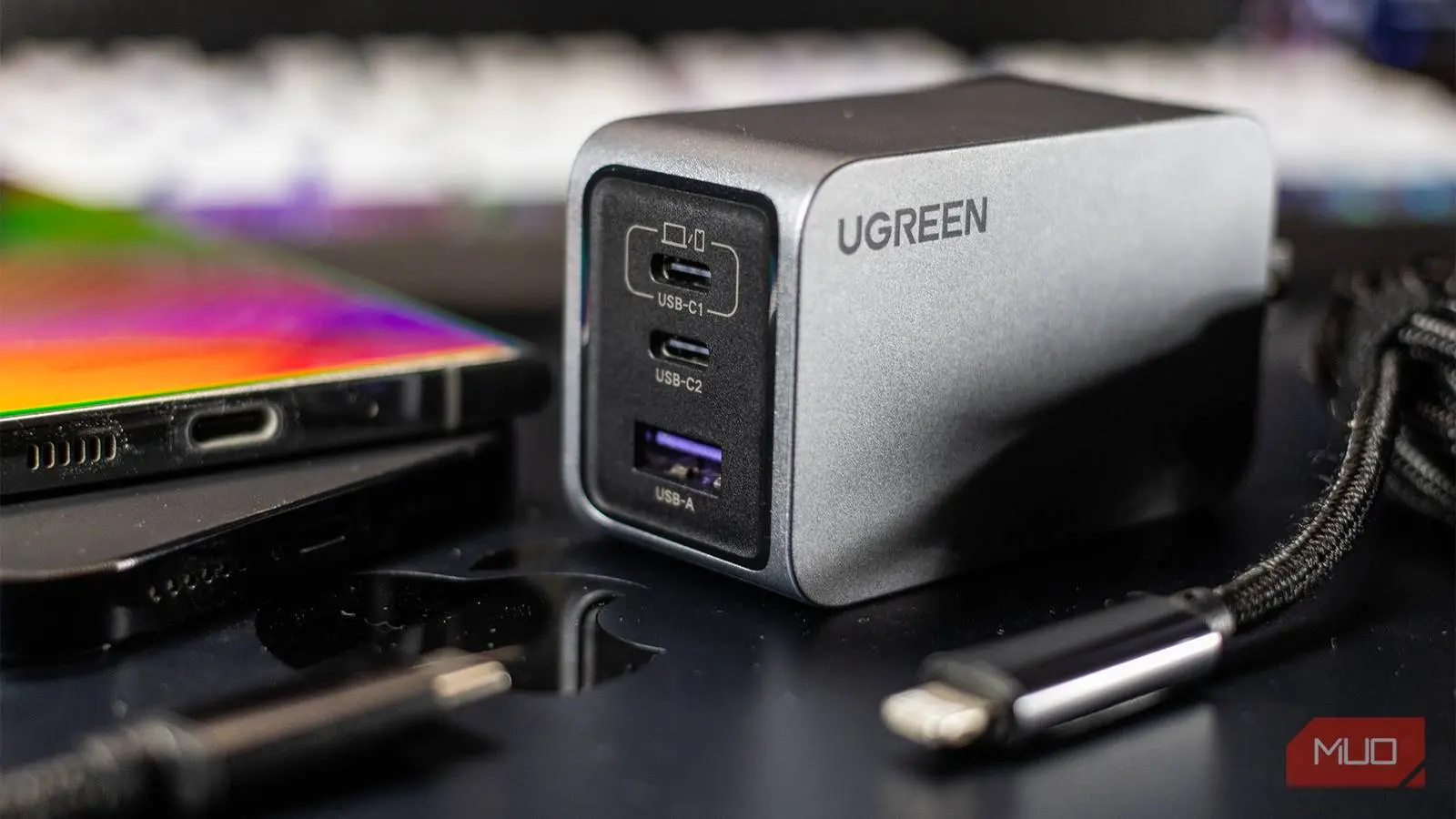
Smartphone makers have increasingly decided to leave chargers out of the box. For years, you didn't need to think much about charging because the bundled adapter was guaranteed to match your phone. Now, when you walk into a store or scroll through an online listing, you are met with a wall of jargon. Terms like USB PD, PPS, QC, GaN, and wattage numbers are all over the place. It can feel overwhelming, but understanding a few key concepts is enough to make you a smarter buyer.
Why Buying a Phone Charger Became So Confusing
Not long ago, the only real question was whether your phone used a Micro-USB or USB-A cable. The charger that came in the box was always the right one. You never needed to read the fine print or check compatibility. Those days are gone. Flagship phones now ship without chargers, and even midrange devices often come with only a cable. That forces you to purchase a brick separately, and the market is saturated with options that look almost identical on the outside.
Every charger technically works with your phone. Any USB-C charger will physically plug in, and your phone will almost certainly accept power from it. But that does not mean it will charge fast, safely, or efficiently. A charger that delivers too little power will trickle-charge your phone for hours. A charger that delivers too much power is generally safe because your phone's internal circuitry limits the current, but you may end up paying for more wattage than you can actually use. The problem is that two chargers with the same physical port can behave completely differently depending on the charging protocols they support.
The Key Charging Terms Explained
USB Power Delivery (USB PD)
USB Power Delivery, or USB PD, is one of the most important standards in modern charging. It is a protocol that allows the charger and the phone to communicate with each other. Instead of just forcing a fixed voltage, the two devices negotiate a power delivery profile that is safe for the battery. That negotiation happens in real time, allowing the charger to increase or decrease voltage depending on the device's needs.
This is why a single USB PD charger can handle a smartphone, a tablet, a laptop, and even earbuds. Each device requests the voltage and current it can handle, and the USB PD charger adjusts accordingly. It also explains why PD chargers are often the default recommendation for anyone who wants a future-proof adapter. Almost every modern Android phone supports USB PD, and iPhones use a variation of it as well. Without USB PD, fast charging would require proprietary chargers and cables, and the universal compatibility we enjoy today would not exist.
Programmable Power Supply (PPS)
Programmable Power Supply, or PPS, is a more advanced extension of USB PD. While USB PD changes voltage in steps, PPS can adjust it continuously. That might not sound like a big deal, but it has real benefits for battery health and heat management. Because PPS can make tiny, precise voltage adjustments, the charger can keep the power as close as possible to the battery's ideal charging voltage. This reduces heat generation and improves overall charging efficiency.
PPS is especially popular among Samsung and Google phones, though it is not limited to those brands. If you see the PPS certification on a charger, it means the adapter can support dialing in exact voltage levels rather than jumping between a few fixed ones. This makes it a better choice for people who care about long-term battery longevity. It also means faster charging with less wasted energy being converted to heat.
Qualcomm Quick Charge (QC)
Quick Charge is a proprietary fast-charging technology developed by Qualcomm. It was created to speed up charging on phones powered by Snapdragon processors. Unlike USB PD, which is a universal standard, Quick Charge is controlled by Qualcomm and is available to devices that license the technology. Over the years, Qualcomm has released several versions of Quick Charge, including Quick Charge 3.0, 4.0, and 5.0. Each new version supports higher wattage and often includes backward compatibility with older standards.
The key thing to know about Quick Charge is that both the charger and the phone must support the same or compatible version for the best results. If your phone supports Quick Charge 3.0 but you buy a charger that only supports Quick Charge 2.0, the charger will still work but at the lower speed. In practice, many modern chargers support multiple protocols, so a good charger will cover both USB PD and Quick Charge.
Proprietary Standards from Smartphone Makers
Several phone brands use their own proprietary charging standards. OPPO and OnePlus use SuperVOOC, Motorola uses TurboPower, and Xiaomi has its own HyperCharge technology. These standards often push wattage to impressive numbers, sometimes exceeding 100W. However, they usually require a charger from the same brand or at least one that officially supports the specific protocol. If you plug a non-compatible charger into a phone with a proprietary standard, the charging speed will typically fall back to basic USB PD or a slower universal speed.
This is a major reason why charger buying is so frustrating. A charger that boasts 120W might only deliver 18W to a phone that uses a different fast-charging protocol. The high wattage is only available when the phone and charger both support the same proprietary technology. It is therefore essential to check the exact charging standard your phone supports before you buy. Do not rely only on wattage ratings.
Gallium Nitride (GaN)
Gallium Nitride, or GaN, is completely different from the other terms because it is not a charging protocol. It is a material used inside the charger. Traditional chargers use silicon semiconductors, which have been the industry standard for decades. GaN is a newer semiconductor that operates at higher efficiency and generates less heat. The practical result is that GaN chargers can deliver the same amount of power as silicon chargers but in a significantly smaller and lighter package.
If you have seen compact 65W or 100W USB-C chargers, they almost certainly use GaN technology. The efficiency gains allow manufactures to shrink the required cooling components and still maintain safe operating temperatures. GaN chargers also tend to be more durable because they operate cooler under sustained load. While GaN is not strictly necessary, it is a nice feature to look for if you travel frequently or if you prefer a smaller charging brick.
More Watts Do Not Always Mean Faster Charging
The most common mistake when buying a charger is assuming that higher wattage automatically means faster charging. Wattage is not something a charger can force on your phone. Your phone's charging circuitry has a maximum limit, and it will never exceed that limit no matter how powerful the charger is. For example, if your phone tops out at 25W, plugging it into a 65W charger will not make it charge at 65W. It will charge at 25W, the same as an appropriately sized 25W charger.
This is why you should check your phone's maximum charging wattage before making a purchase. You can usually find that information on the manufacturer's website or in the phone's specifications. Once you know the number, buy a charger that matches it. Buying a charger with more wattage than your phone needs is not harmful, but it is also not useful. You are simply spending extra money for performance you will never experience.
There is another complication when using multi-port chargers. The wattage printed on the box is usually the maximum output for the whole charger, not the per-port output. If you plug in two devices at once, the charger must divide its total output between them. The exact distribution depends on the charger's internal design. Some chargers prioritize a single port until a certain wattage threshold is reached, while others split power evenly. If you regularly charge multiple devices at the same time, you need to find a charger with multi-port power sharing that matches your needs.
The Cable Matters Just as Much
Even if you buy the best charger on the market, a poor cable can ruin the experience. Charging cables have their own power rating, usually measured in watts. A cheap cable might only support 15W, while your phone and charger can handle 65W. In that situation, the cable becomes the bottleneck, and your phone will charge at the cable's maximum rather than the charger's maximum. This is especially common with longer cables or older cables that were intended for data transfer only.
Most modern smartphones still include a cable in the box, but that cable may not always be with you. If you need a spare for your office, bedroom, or travel bag, do not just grab any USB-C cable. Look for a cable that explicitly supports fast charging. The cable should list its wattage rating or, better yet, have USB-IF certification. Spending a little more on a quality cable ensures that you are not silently losing charging speed every time you plug in.
Stick Reputable Brands
The final piece of advice is to choose a charger from a reputable brand. You will often see generic chargers with impressive specifications at extremely low prices. Those products may claim to support USB PD, PPS, and 65W on the packaging, but their actual performance is a different story. Cheap chargers frequently ignore safety regulations, lack proper thermal protection, and use low-quality components that can fail unexpectedly. This can lead to slow charging, excessive heat, or even damage to your phone's battery.
Well-known brands like Anker, Ugreen, Belkin, and others have built their reputation by offering reliable performance and safety features. Their chargers may cost a bit more, but the difference in build quality is substantial. A good charger will last for years and handle daily use without overheating. When you consider that your phone is one of your most expensive possessions, it makes little sense to save a few dollars on the accessory that powers it.
Source: MakeUseOf News