

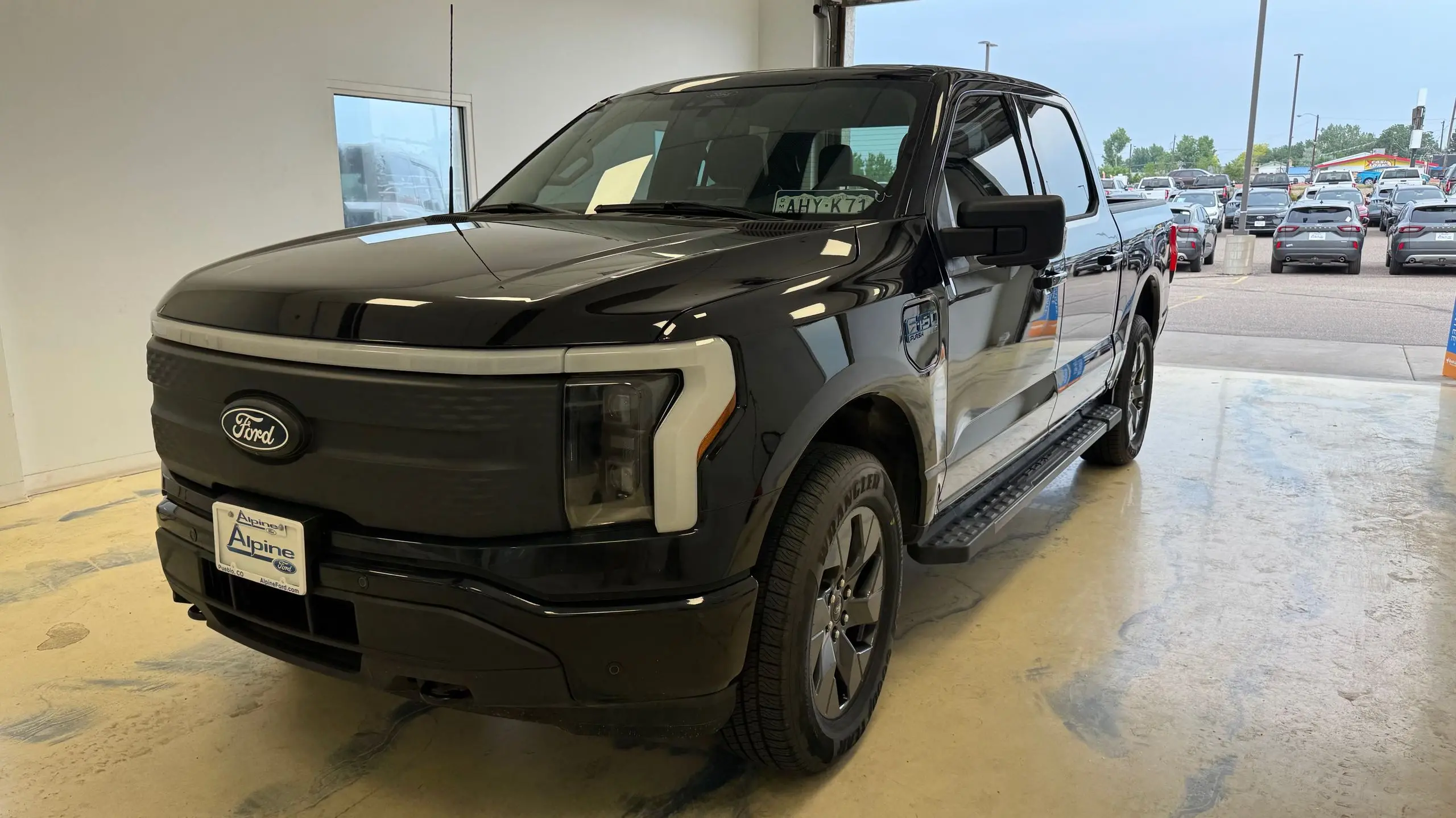
After spending more than 1,000 miles with Ford’s BlueCruise hands-free highway system, I made a swap that surprised even me. I replaced it with an open-source driver-assistance platform, and I can honestly say I don’t want to go back. The change wasn’t just about cost, though that played a role. It was about capability, transparency, and the way the software makes driving decisions.
Key Facts
- The open-source system was installed in a Ford-compatible vehicle and used for 1,000 miles of mixed driving.
- Ford BlueCruise is limited to pre-mapped, divided highways, while the open-source system operated on a wider range of roads.
- The open-source setup uses a windshield-mounted camera and aftermarket computing hardware rather than a subscription tied to the factory system.
- No accidents, interventions, or system failures were encountered during the test.
- The driver-monitoring camera remained active, but the open-source system allowed more natural steering input and smoother lane positioning.
Why BlueCruise Is So Popular
Ford’s BlueCruise is one of the most polished hands-free systems available from a mainstream automaker. It allows drivers to take their hands off the wheel on pre-approved sections of divided highway, commonly called Blue Zones. The system uses a combination of adaptive cruise control, lane-centering steering, and a driver-facing camera to ensure the person behind the wheel is paying attention. It is a true Level 2 hands-off, eyes-on system. In my experience, BlueCruise behaves predictably on well-marked highways. Lane keeping is smooth, and the steering corrections are gentle enough to feel natural. The system also gives clear visual cues, with a blue dashboard graphic and a chime when hands-free operation is available. That makes it easy to trust, especially for someone new to driver-assistance features.
But BlueCruise has limitations. It only works on roads that Ford has mapped and approved. If you leave a mapped corridor or cross into a state where the coverage is thinner, the system disengages and asks you to grab the wheel. It also requires a subscription after an initial trial period, which can be expensive. On a long road trip through less-covered areas, those limits become obvious very quickly.
The Open-Source Alternative
The open-source system I installed is a different approach entirely. Rather than relying on automaker mapping and proprietary software, it uses a small aftermarket computer, a windshield-mounted camera, and an open-source software stack developed by a community of engineers and enthusiasts. The hardware is easy to install: the camera mounts near the rearview mirror, and the computer plugs into the car’s OBD-II port and a network connection. The software is updated frequently, which means improvements arrive without needing to visit a dealer or pay for a subscription.
The first time I engaged it, I noticed the difference in steering behavior. BlueCruise tends to hold the exact center of the lane, which can feel slightly rigid on winding roads. The open-source system, by contrast, uses a more human-like path planning model. It gives the vehicle a bit more space around large trucks, cuts corners slightly in smooth curves, and generally behaves with more nuance. It still requires attentive supervision, and the driver-monitoring camera makes sure you are looking at the road. But it feels less like a robot driving and more like a capable co-driver.
Installation and Setup
Installation took longer than I expected, but the process was straightforward for anyone comfortable with basic car modifications. The first step is mounting the camera behind the rearview mirror. The mounting bracket sticks to the windshield, and the camera can be adjusted to get a clear view of the road. The main computer then connects to the camera and the OBD-II port under the dashboard. Some vehicles also need a pedal harness or steering-wheel control module, but the setup I used did not require cutting any wires. After a quick calibration drive, the software was ready to go.
The calibration process is important. The software uses the camera image and the vehicle’s GPS to learn how the steering behaves and where the lane lines are. During the first few minutes, the system may disengage if it is not confident about the calibration. Once completed, it becomes much more stable. I also learned how to update the software. Each update takes about ten minutes, and the system reboots after installation. It is much easier than scheduling a dealership visit.
Driving on More Roads
The biggest practical advantage came on ordinary highways. BlueCruise only works on mapped divided highways. The open-source system offered assistance on nearly every road where the lane markings were visible, including expressways, two-lane rural highways, and even some curving mountain roads. I did not use it in heavy city traffic, but on the 1,000-mile test route, the system stayed engaged for far more miles than BlueCruise ever would have allowed.
That coverage made a real difference during a three-state road trip. There were long segments where BlueCruise would have been unavailable because the highway had not been mapped. The open-source system worked continuously, changing lanes when I used the turn signal, slowing for slower traffic, and restoring speed once the path was clear. It also handled construction zones better, partly because it relies on the camera and GPS rather than a fixed map that may be outdated.
Ride Comfort and Driver Confidence
There is also a comfort factor. The open-source system’s longitudinal control is impressively smooth. It does not slam on the brakes when the car ahead slows; it eases off the accelerator and applies braking progressively. That is the kind of behavior you expect from a well-tuned adaptive cruise control system, but it is particularly important on long drives. The steering is not twitchy, and the system does not ping-pong between lane lines. On a particularly rainy stretch, the camera maintained lane detection even when the visibility was poor, though I was still ready to take over at any moment.
Driver confidence is also supported by the interface. The open-source software provides a real-time visualization of what the cameras are seeing, including lane lines, nearby vehicles, and predicted paths. It is educational, too. After a few hours, I began to understand why the system made certain decisions: why it braked early for a slow-moving truck, why it moved slightly left when passing a motorcyclist, and why it refused to engage when lane markings were absent. That kind of transparency is rare in factory systems, which typically keep their reasoning opaque.
Cost and Value
Cost was one of the reasons I made the switch. Ford BlueCruise is bundled into many newer Ford models, but the hands-free feature often requires a connected services subscription, and the price can change over time. The open-source hardware has an upfront price that is comparable to a few years of BlueCruise subscription, and once you own the hardware, the software updates are free. There are no account fees, no connected-services renewal, and no dealer lock-in. Over five years, the savings are substantial.
There is a catch, however. The open-source ecosystem is not officially approved by Ford. Installing it may affect your vehicle’s warranty, and it is not covered by any automaker support. You have to be comfortable with aftermarket modifications. You also need to accept that the software is not regulated under the same safety standards as factory ADAS. It relies on the driver to stay attentive, just like BlueCruise does, but the responsibility is entirely on you.
Safety and Limitations
Nothing I saw over 1,000 miles made me feel unsafe. But I did encounter situations where the open-source system required intervention. One example was a lane split where the right-side lane line disappeared and the system hesitated before committing to a path. Another was a steep hill with a false ending; the camera briefly lost sight of the lead vehicle on the crest. In both cases, the system warned me and handed control back smoothly. I also noticed that the system is more sensitive to modified suspension or misaligned cameras, so proper installation matters.
The driver-monitoring requirement is similar to BlueCruise. If you look at the phone in your lap or keep your eyes off the road for too long, the system escalates from a chime to a vibration and eventually disengages. That is a good reminder that no Level 2 system can replace an attentive driver.
Why I’m Not Going Back
After 1,000 miles, the choice is clear for me. BlueCruise is a well-executed factory system, but the open-source platform offers more coverage, more personality, and more control over the driving experience. It is not for everyone because installation requires patience, and some buyers will prefer the certainty of a factory-warranted feature. But for drivers who want to get the most out of their vehicle’s sensors and are comfortable with technology, the open-source route is compelling. The software improves every few weeks, and every update can change the way the car drives. That is something a subscription-based factory system simply cannot match. I have already planned my next long trip, and the open-source system will be doing the highway miles.
Source: TechRadar News